Neon Memory Match Puzzle
Reviews
Neon Memory Match Puzzle offers a fresh take on the classic memory game with its bright neon visuals and friendly spooky images. The four levels provide a gentle increase in difficulty, making it suitable for both children and adults. The simple touch or click controls work well on any device, and the lack of a timer allows for a stress-free experience. It is a great choice for a quick mental exercise or a longer play session.
About This Game
Game Introduction
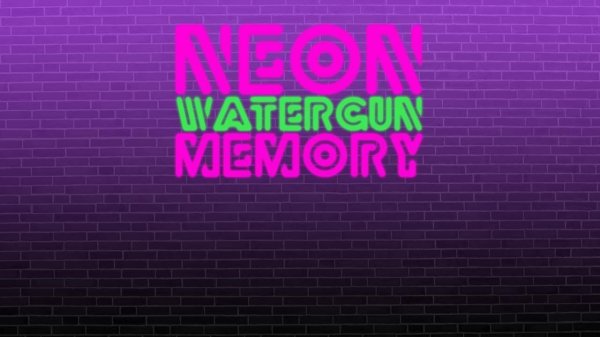
Neon Memory Match Puzzle is a free online game that combines bright neon visuals with the classic memory matching challenge. The game presents a grid of glowing tiles, each hiding a friendly, spooky image. Players flip two tiles at a time to find matching pairs. With four levels that increase in complexity, the game offers a gentle challenge for players of all ages. The neon theme makes each tile stand out, adding a modern twist to a traditional memory exercise. This game is designed to be accessible and enjoyable without any violent or inappropriate content.
How to Play
To play Neon Memory Match Puzzle, use your mouse or finger to click or tap on any square. Two tiles flip over to reveal their images. If the images match, the tiles remain face up. If they do not match, they flip back after a short moment. Your goal is to match all pairs on the board. Each level has a new layout, so you must remember the position of each image. Try to complete each level in as few moves as possible to achieve a high score. The game has four levels, and each one adds more tiles to challenge your memory.
Game Features
The game features neon visuals that are easy on the eyes. It includes four levels with spooky but non-threatening tile pairs. Gameplay is family-friendly and suitable for children and adults. The simple click or tap controls work on both desktop and mobile devices. Each level resets the board, providing a fresh challenge every time. The game tracks your moves, encouraging you to improve with each play.
Tips for Success
Focus on remembering the position of each tile after you flip it. Try to match pairs in a systematic order, such as row by row. Practice regularly to improve your memory and speed. Take short breaks if you feel stuck to keep your mind fresh.
🛠️ Compatibility
• OS: Windows 10+, macOS 11+, iOS 14+, Android 10+ • Browsers: Chrome 100+, Safari 15+, Edge 100+, Firefox 100+ • Not compatible with Internet Explorer Tested on real devices – works as expected
System Requirements